ดาวน์โหลด DisplayFusion Pro ฟรี ตัวเต็มถาวร อัปเดตล่าสุด โปรแกรมจัดการหลายหน้าจอระดับมืออาชีพ ทาสก์บาร์แยกจอ ระบบอัตโนมัติครบเครื่อง ตั้ง Wallpaper แบบแยกจอ
รายละเอียดเกี่ยวกับ DisplayFusion Pro
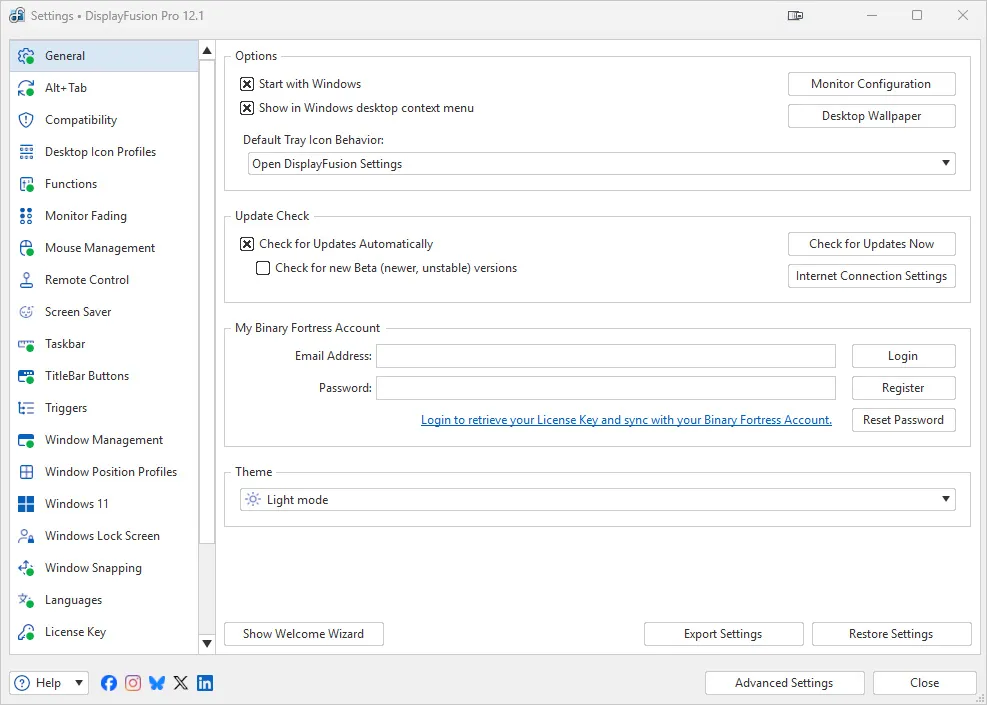
DisplayFusion Pro คือโปรแกรมจัดการหลายหน้าจอจากค่าย Binary Fortress Software ที่พัฒนาต่อเนื่องมานานหลายปีจนกลายเป็นหนึ่งในเครื่องมือที่ครบเครื่องที่สุดสำหรับคนที่ต่อจอคอมพิวเตอร์มากกว่าหนึ่งตัว ตัวโปรแกรมเข้ามาเติมเต็มฟีเจอร์ที่ Windows ไม่มีให้มาตั้งแต่ต้น ทั้งทาสก์บาร์แยกอิสระในแต่ละจอ ปุ่ม TitleBar Buttons ที่เพิ่มปุ่มลัดบนแถบหัวหน้าต่างทุกโปรแกรม และระบบตั้งค่าโปรไฟล์จอที่บันทึกการจัดวางหน้าต่างและวอลเปเปอร์แยกตามสถานการณ์การใช้งานได้
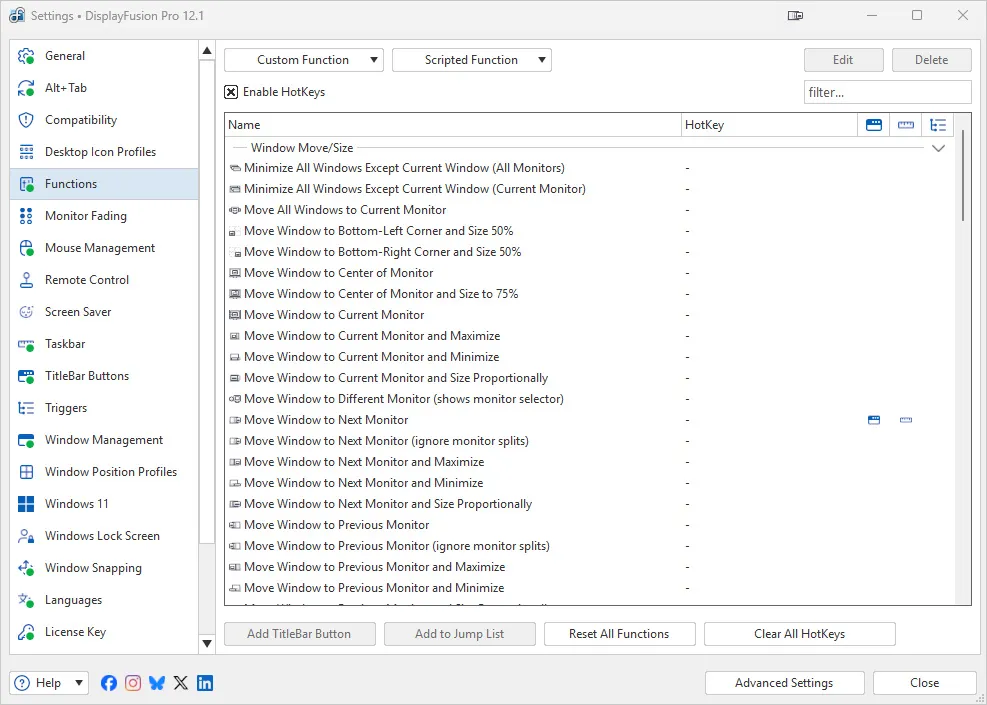
จุดที่ทำให้ DisplayFusion Pro แตกต่างจากโปรแกรมจัดการหลายจอเจ้าอื่นคือความลึกของระบบอัตโนมัติที่เรียกว่า Custom Functions และ Triggers ผู้ใช้สามารถเขียนฟังก์ชันเองผ่านภาษาสคริปต์เพื่อสั่งให้โปรแกรมทำงานตามเงื่อนไขที่กำหนด เช่น ย้ายหน้าต่างไปยังตำแหน่งที่ต้องการอัตโนมัติเมื่อเปิดโปรแกรมใดโปรแกรมหนึ่ง หรือสลับวอลเปเปอร์ตามช่วงเวลาที่ตั้งไว้ นอกจากนี้ยังมีฟีเจอร์ Monitor Profiles ที่จดจำการจัดวางไอคอนและตำแหน่งหน้าต่างของแต่ละชุดจอ ทำให้เวลาต่อเข้ากับด็อกสถานีหรือโปรเจกเตอร์แล้วสลับกลับมาใช้จอเดิม ทุกอย่างจะกลับไปอยู่ตำแหน่งเดิมโดยอัตโนมัติ ด้วยความละเอียดของฟีเจอร์และระบบอัตโนมัติที่ปรับแต่งได้อิสระนี้เอง DisplayFusion Pro จึงเป็นตัวเลือกที่ทั้งผู้ใช้งานทั่วไปและฝ่าย IT ขององค์กรเลือกใช้เพื่อบริหารจัดการเครื่องที่มีหลายจอให้มีประสิทธิภาพสูงสุด
ฟีเจอร์เด่นของ DisplayFusion Pro
- ทาสก์บาร์แยกอิสระในแต่ละจอ พร้อมสไตล์ให้เลือกทั้งแบบ Windows 10 และ Windows 11
- ปุ่ม TitleBar Buttons เพิ่มปุ่มลัดจัดการหน้าต่างบนแถบหัวหน้าต่างของทุกโปรแกรม
- ระบบ Monitor Profiles บันทึกการจัดวางหน้าต่างและไอคอนแยกตามชุดจอที่เชื่อมต่อ
- ตั้งเวลาเปลี่ยนวอลเปเปอร์อัตโนมัติ พร้อมรองรับวอลเปเปอร์จากเว็บไซต์และวิดีโอ
- ระบบ Custom Functions และ Triggers เขียนสคริปต์สั่งงานอัตโนมัติตามเงื่อนไขที่กำหนดเอง
- ปรับแต่งคีย์ลัด (HotKeys) ได้อิสระสำหรับควบคุมฟังก์ชันต่างๆ ของโปรแกรม
- รองรับสกรีนเซฟเวอร์แบบหลายจอและปรับแต่งหน้าจอ Windows Lock Screen ได้เอง
มีอะไรใหม่ (What’s New)
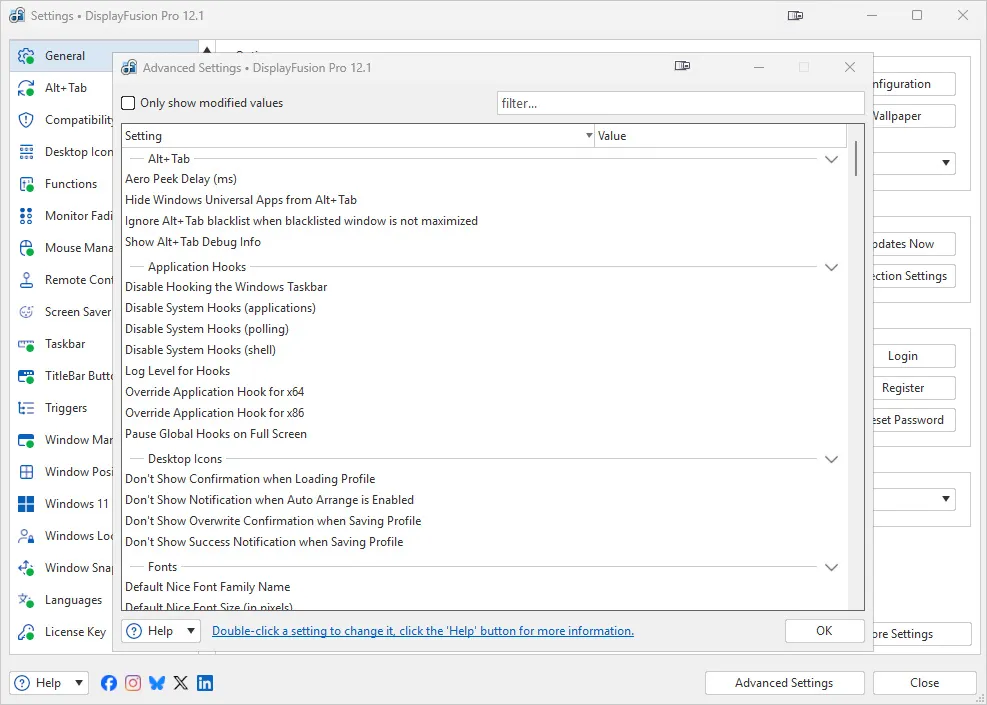
- Change: Added an advanced setting to manually set the text scaling size for the DF Settings window
- Fix: Resolved a crashing issue that affected some specific systems
- Fix: Resolved an issue where features relying on hooks were sometimes delayed
- Fix: Resolved an issue where trying to paste an image into the Desktop Wallpaper window was failing
ความต้องการของระบบ
- ระบบปฏิบัติการ (OS)Windows 11 / 10 / 8.1 / 7 (32-bit และ 64-bit)
- หน่วยประมวลผล (CPU)1 GHz ขึ้นไป (รองรับทั้ง Intel และ AMD)
- หน่วยความจำ (RAM)2 GB ขึ้นไป (แนะนำ 4 GB ขึ้นไป)
- พื้นที่ว่างในฮาร์ดดิสก์150 MB ขึ้นไปสำหรับติดตั้งโปรแกรม
- จอแสดงผลรองรับการเชื่อมต่อจอได้หลายตัวพร้อมกัน ทุกความละเอียดที่ Windows รองรับ
ข้อมูลไฟล์
- ผู้พัฒนา
- Binary Fortress Software
- ใบอนุญาต
- Shareware
- ภาษา
- รองรับหลายภาษา
- ขนาด
- 163 MB
- เวอร์ชัน
- 12.1.1
- ประเภท
- *.rar
- เผยแพร่เมื่อ
- อัปเดตเมื่อ
- รหัสแตกไฟล์
- axeload